AI Dance Video Pricing and Limits: Honest 2026 Guide
What an AI dance video generator really costs, which model runs it, and what eight seconds can and cannot show — an honest guide before you pay.
October 11, 2026 · Smalltown Boy AI editorial team
Try the workflow
Your Smalltown Boy AI dance studio
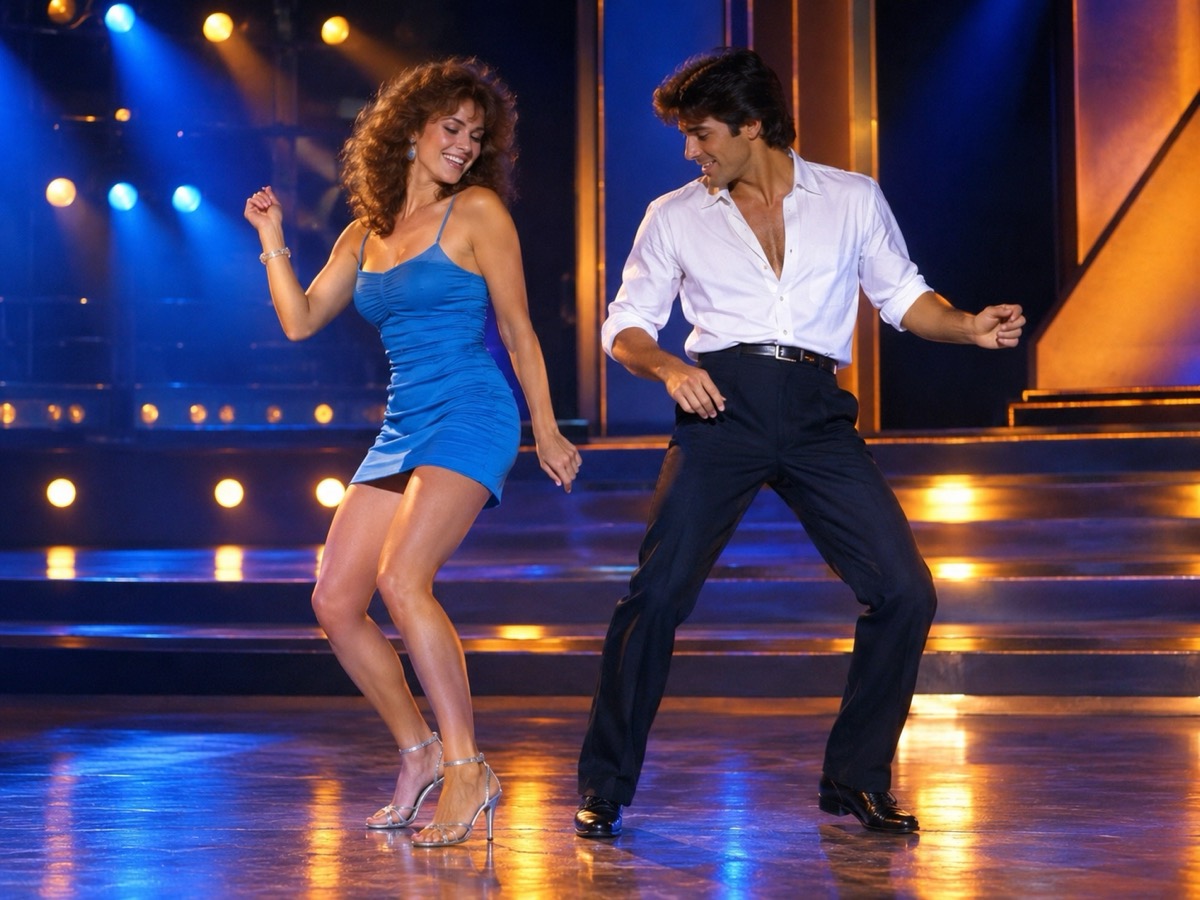
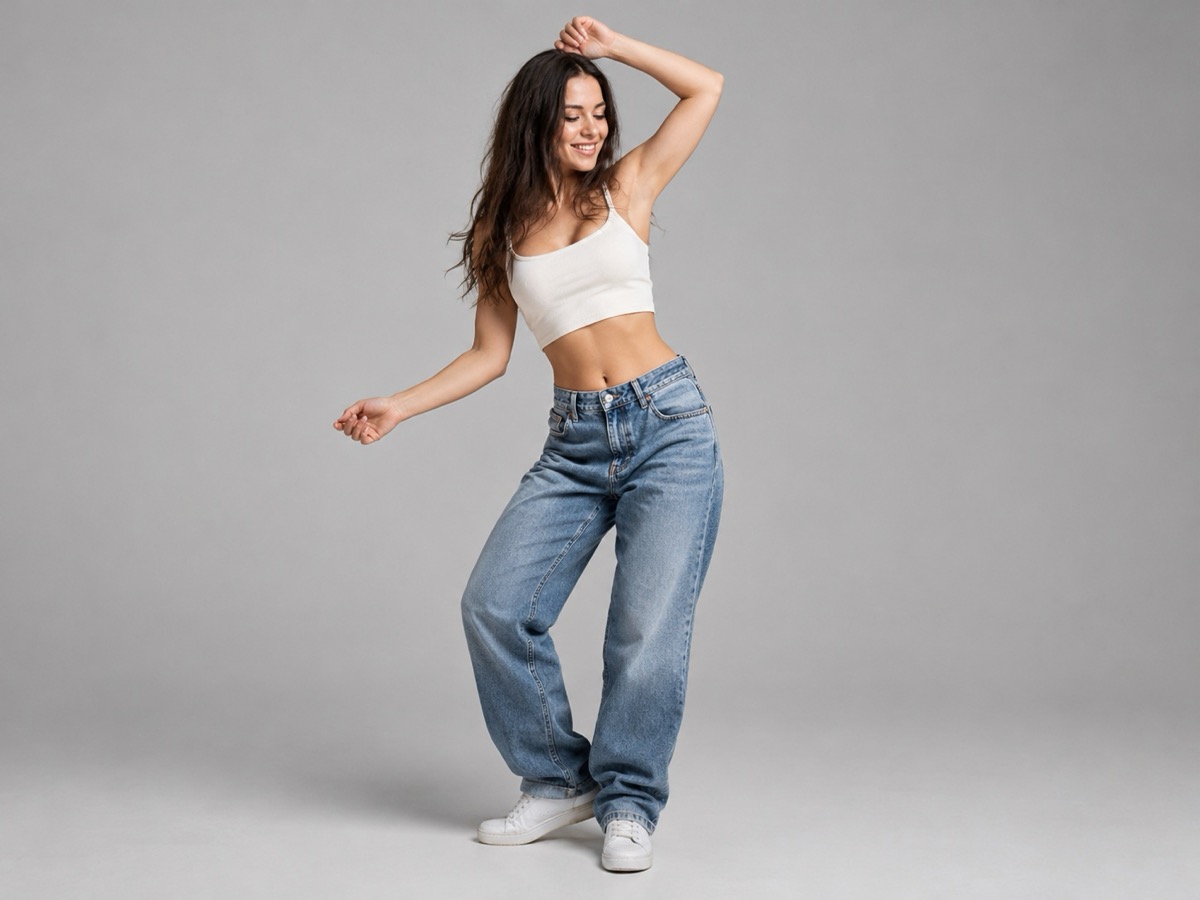
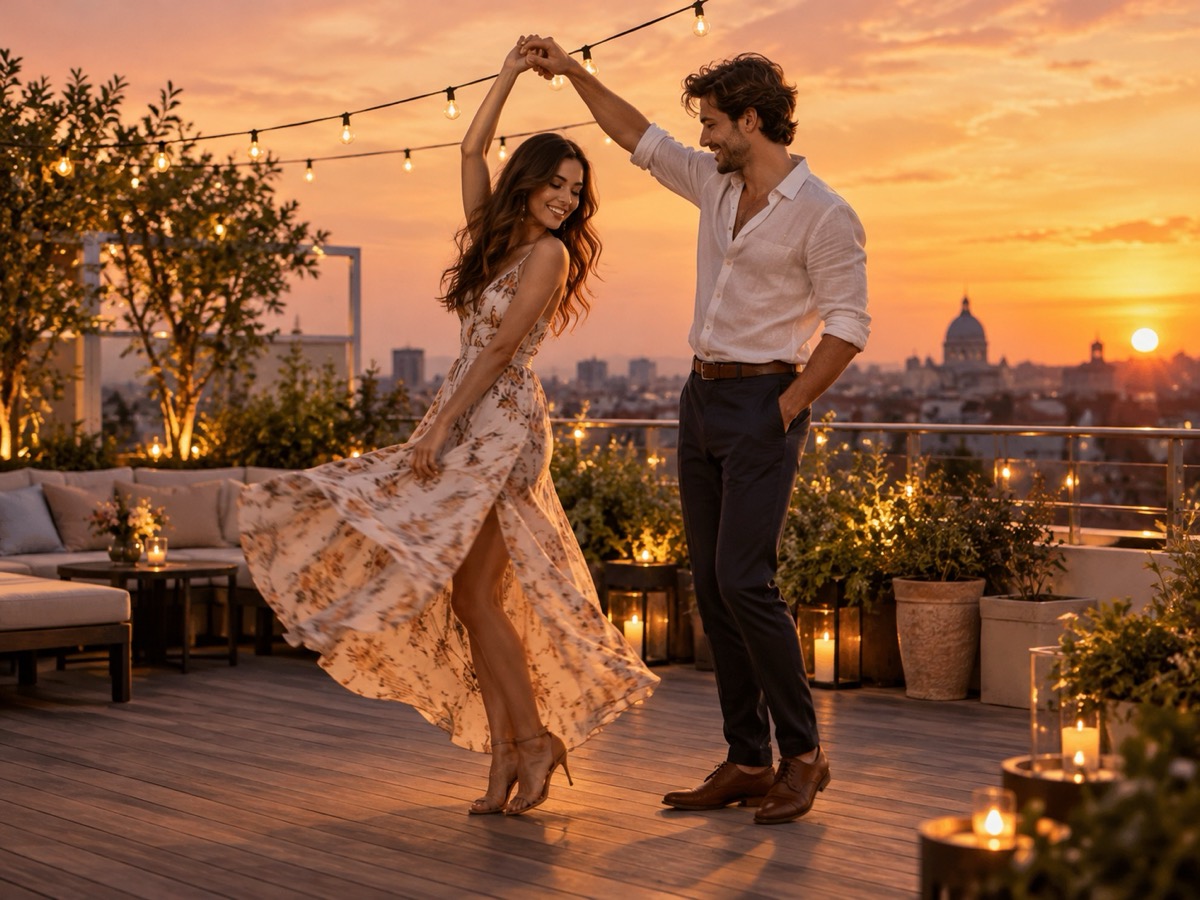
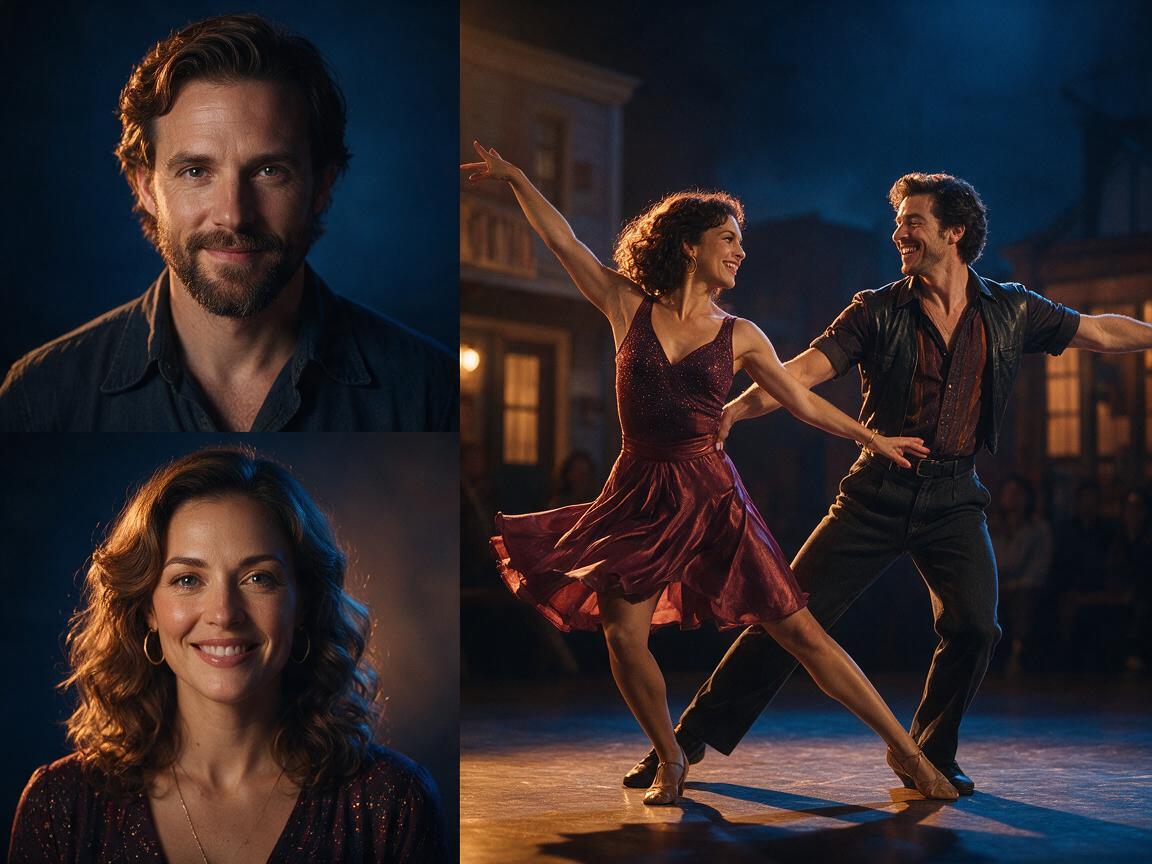
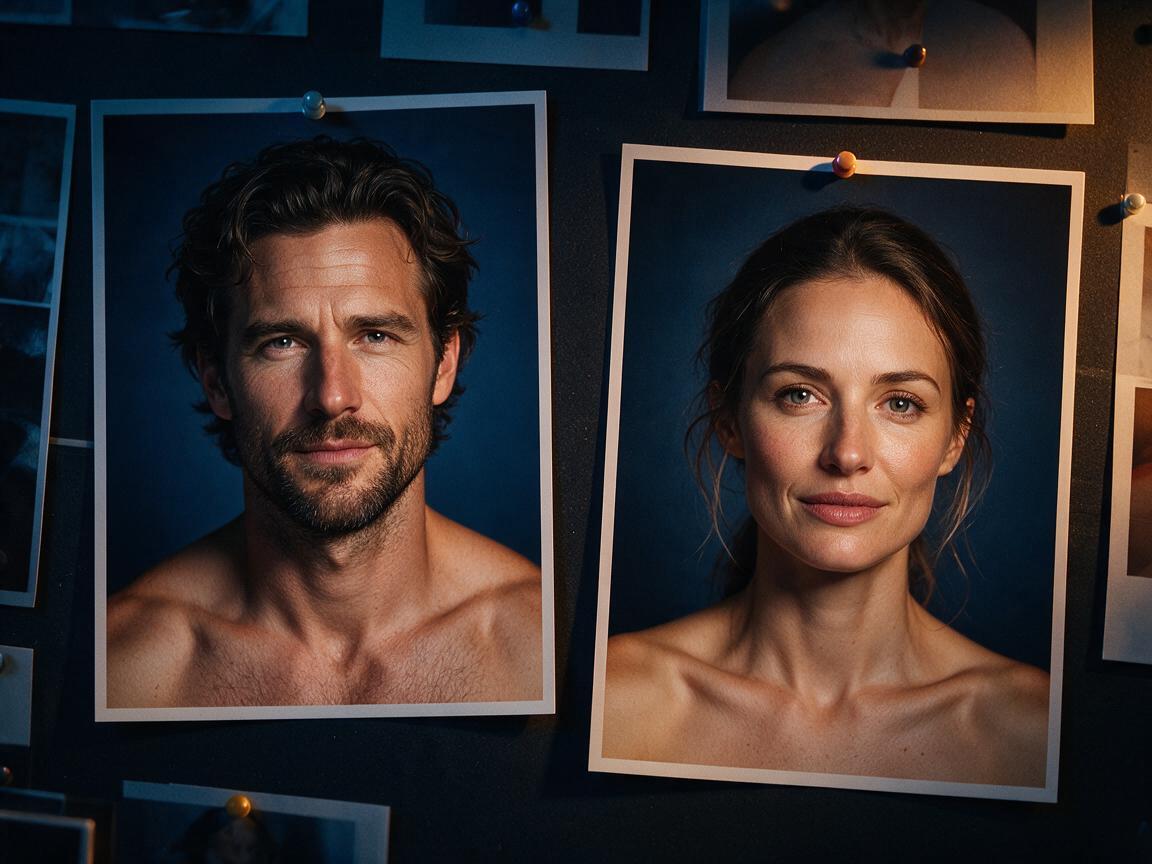
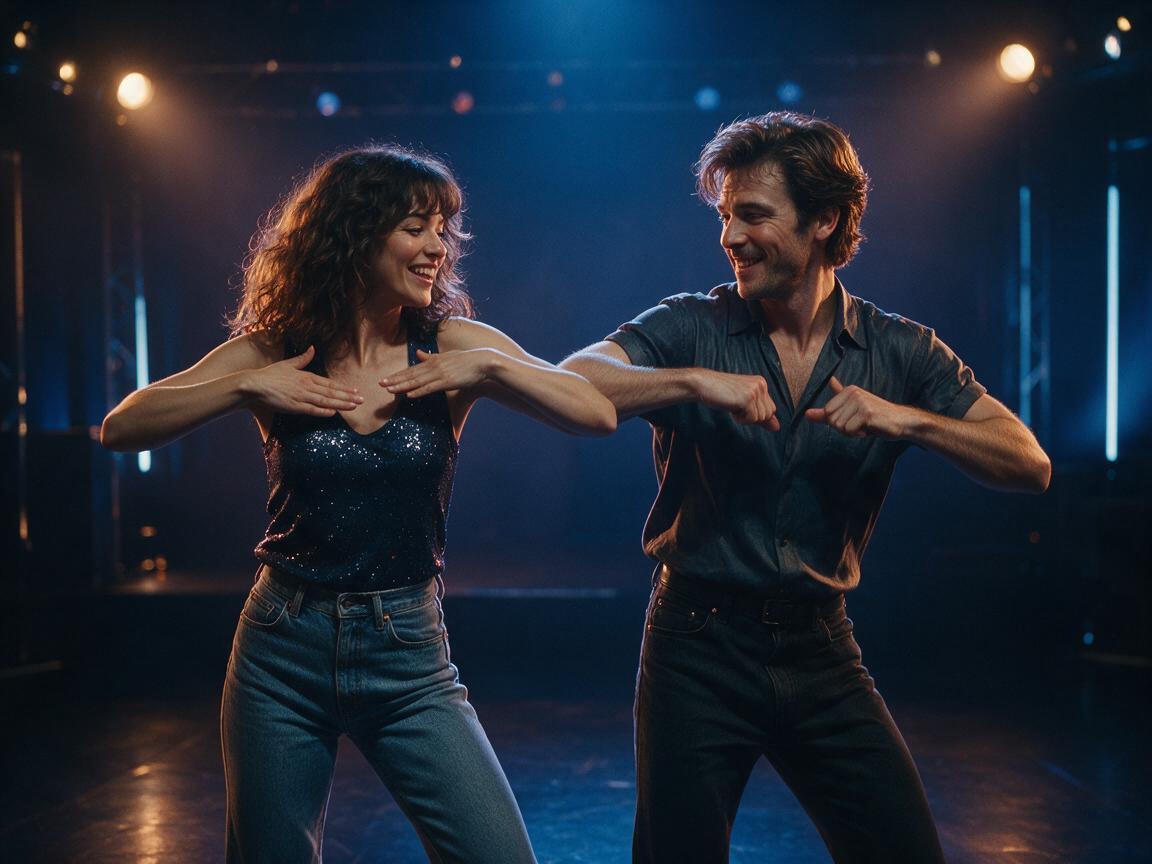
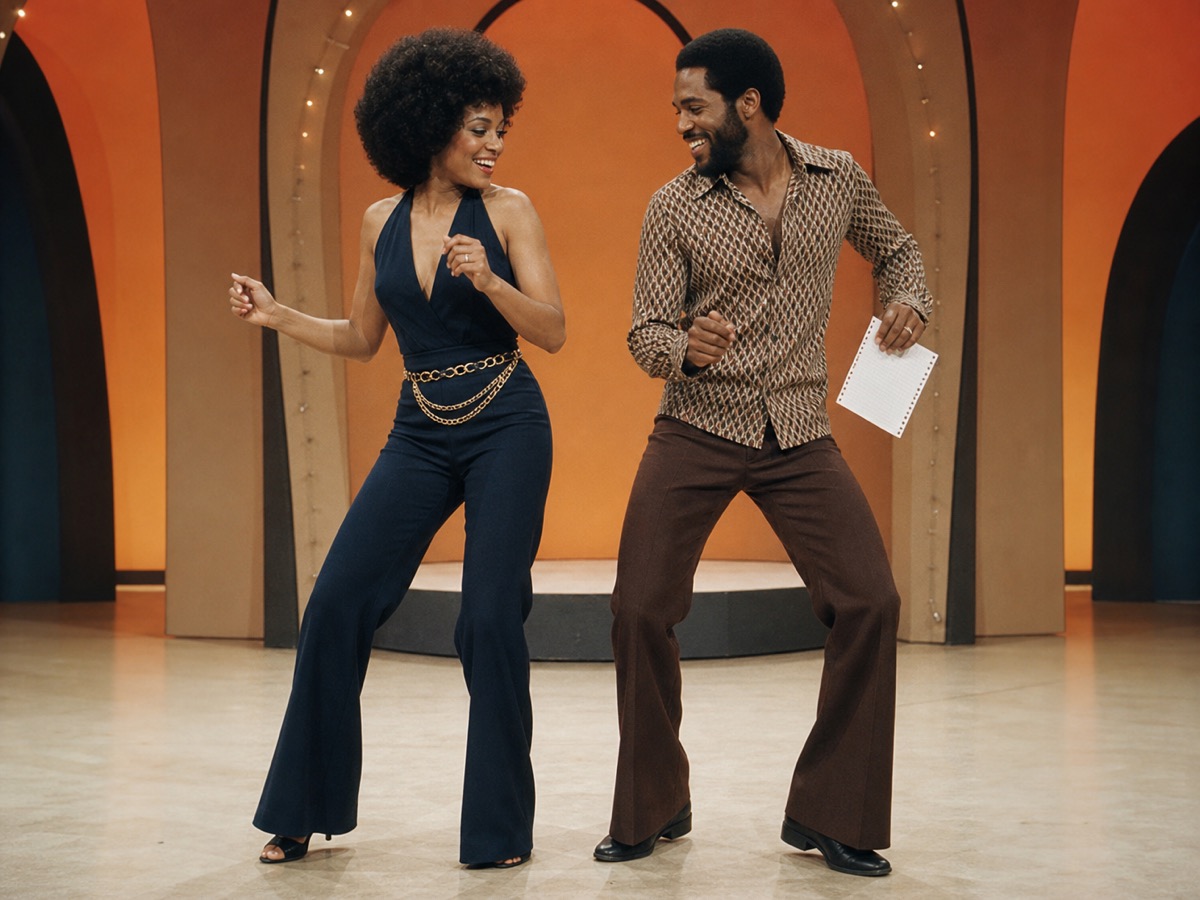
Choose a retro stage, solo, or birthday scene. Upload one or two adult portraits. Each sample shows that scene; your result will vary.
JPG, PNG or WebP · up to 10 MB
Choose a clear, well-lit adult portrait with one person in each photo. Keep the face, hair and outfit visible.
Extra direction (optional)
A public result may be selected for the gallery after review. Uploaded photos stay private.
$9.90/ 1 video
50 credits · 8 secondsOne-time packs and optional subscriptions. Failed generation returns its credits.
Your videos
Choose a mood above. Your completed videos will appear here.
Most pages about AI dance videos show a perfect clip and a buy button. They rarely explain the model, the real price of one finished video, or the parts that still look artificial. This guide does the opposite. It explains exactly what Smalltown Boy AI produces, what it costs, which providers are involved, and how to decide whether a result is good enough to post.
It is written for someone who is about to pay for a clip, not for someone collecting tools. Every price below is the public price on the pricing page at the time of writing. Every limit is a real limit of the current pipeline.
What one generation actually produces
Smalltown Boy AI turns one or two photos of consenting adults into a single eight-second MP4. The frame is vertical (9:16), the resolution is 720p, and the file has no audio track. You add music or a voiceover in your own editor, using a track you have the right to publish.
The model does not copy a named dance routine. It generates original movement that fits the people and the scene you selected. The result is a short creative loop: a side step, a shoulder roll, a turn toward the camera. It is not a choreography tool, a face-swap of a celebrity, or a replacement for a videographer.
The input rules are equally concrete. JPG, PNG and WebP files up to 10 MB each. One photo for a solo clip, two for a duet. Both people must be adults who have agreed to appear in a synthetic video. Photos of minors, public figures or anyone who has not consented are not accepted.
The model stack, without the marketing fog
The production pipeline uses Kie as the video provider and Bytedance Seedance 2.0 as the generation model. A separate moderation step checks the prompt and the uploaded photos before a job is submitted, and the finished video is checked again. If a check fails, the job stops rather than publishing something the user did not intend.
You will see other model names in the market: WaveSpeed's Kling 2.6 endpoints, FAL's Kling image-to-video routes, Replicate-hosted video models, and Kie's own Kling and Wan listings. They are legitimate alternatives, and a larger studio may route between them for cost or quality. This site deliberately keeps one production route so that the price, the delivery time and the result stay predictable. A page that promises five providers but cannot tell you which one made your clip is not more transparent; it is less.
The practical takeaway is simple: the model matters, but the photo matters more. A sharp, evenly lit photo of one person, with the full body visible, will outperform a blurry group photo on any provider.
What it costs, in plain numbers
One finished video uses 50 credits. Credits are sold in fixed packs, not in an opaque monthly bucket.
| Plan | What you get | Price |
|---|---|---|
| One video | 1 finished clip | $9.90 |
| Three videos | 3 finished clips | $19.90 |
| Five videos | 5 finished clips | $29.90 |
| Monthly | 10 finished clips per month | $39.90 |
| Yearly | 40 finished clips per year | $129.90 |
Registration does not include free credits. That is intentional: a free personal video would either be subsidised by every other customer or limited so heavily that it misrepresents the product. The sample clips on the homepage are pre-made scenes, not a free generation of your photos. You can watch them, compare the framing and decide before you buy.
Failed jobs return the reserved credits. If the provider rejects a photo or the generation fails, you are not charged for a video you never received. The site does not silently retry a failed job with a different model, because that would change what you paid for without asking.
The limits that matter before you upload
Eight seconds is short. Plan for one clear movement, not a story. A step toward the camera, a slow turn, a shoulder shimmy or a shared look all read well. A lift, a spin and a costume change in the same clip usually blur.
Faces drift. The model preserves the overall appearance, hair and clothing, but it is not a guaranteed likeness. Hands and profile angles are the first details to change. A higher-quality source photo and a simple motion reduce the drift; no prompt can eliminate it.
There is no audio. This is a deliberate handoff to TikTok, Reels or your editor, where music licensing is handled by the platform or by you. Do not attach a commercial recording to a public post without a license.
There is no free preview of your own photos. The price is shown before checkout, and the sample is clearly labelled. If a page promises a free personal video and then asks for a card, that is a different product with a different cost.
How to judge a result in ten seconds
First, look at the face. Is the person still recognisable at normal viewing size, not zoomed in? Second, look at the hands. Are there five fingers, and do they stay attached to the body? Third, look at the feet. Does the footwork stay on the floor, or does a shoe slide through it? Fourth, look at the background. Does the stage stay stable, or does it warp behind the dancer?
A clip that passes those four checks is usually good enough for a social post. A clip that fails one of them is worth a retry with a simpler direction, not a longer prompt. More instructions do not fix anatomy; a clearer photo and one motion do.
Consent, privacy and disclosure
Only upload photos of yourself or of adults who have explicitly agreed. Do not upload a photo of a public figure, a child, or someone who has not consented, even as a joke. The output is a synthetic performance, so label it as AI-generated when you publish it. TikTok, Instagram and YouTube all provide an AI-content label; using it is both honest and safer for your account.
Private visibility is available for purchased accounts. Public clips can appear in the site gallery, so choose private if the clip is for a client, a family member or a paid project.
Frequently asked questions
Is there a free AI dance video generator on this site?
No. The homepage samples are pre-made demonstration scenes. A personal video uses purchased credits, and the entry pack is $9.90 for one finished clip.
Which model makes the video?
The production route is Kie with Bytedance Seedance 2.0. Moderation runs through a separate provider before and after generation.
Can I make a video with two people?
Yes, with two separate photos, one adult per photo. Both people must consent. A single photo produces a solo clip.
Why is the video silent?
Audio licensing is the user's responsibility. A silent MP4 can be paired with a licensed track on TikTok, Reels or in an editor without the site claiming rights it does not have.
What happens if the face changes?
Some drift is normal. Retry with a sharper photo, a simpler motion and a direction that keeps the full body visible. The service does not guarantee an exact likeness.
Can I use the clip commercially?
You are responsible for the photos, the people shown and how you publish the result. Do not imply that a celebrity, brand or copyrighted routine endorses the clip.
The honest summary
An AI dance video generator is a short creative tool, not a film crew. It is worth paying for when you need a clean vertical loop from a photo you already own, and when you understand that eight seconds, 720p and a silent file are the product. Compare the price per finished clip, check the photo rules, and judge the sample before you buy. That is a more useful test than any list of model names.
If you want to see the current scenes and the live price, start on the AI dance video generator. If you are still choosing a photo, read the photo guide first. And if you are planning a seasonal post, the Halloween dance video page shows how the same pipeline handles a themed scene.