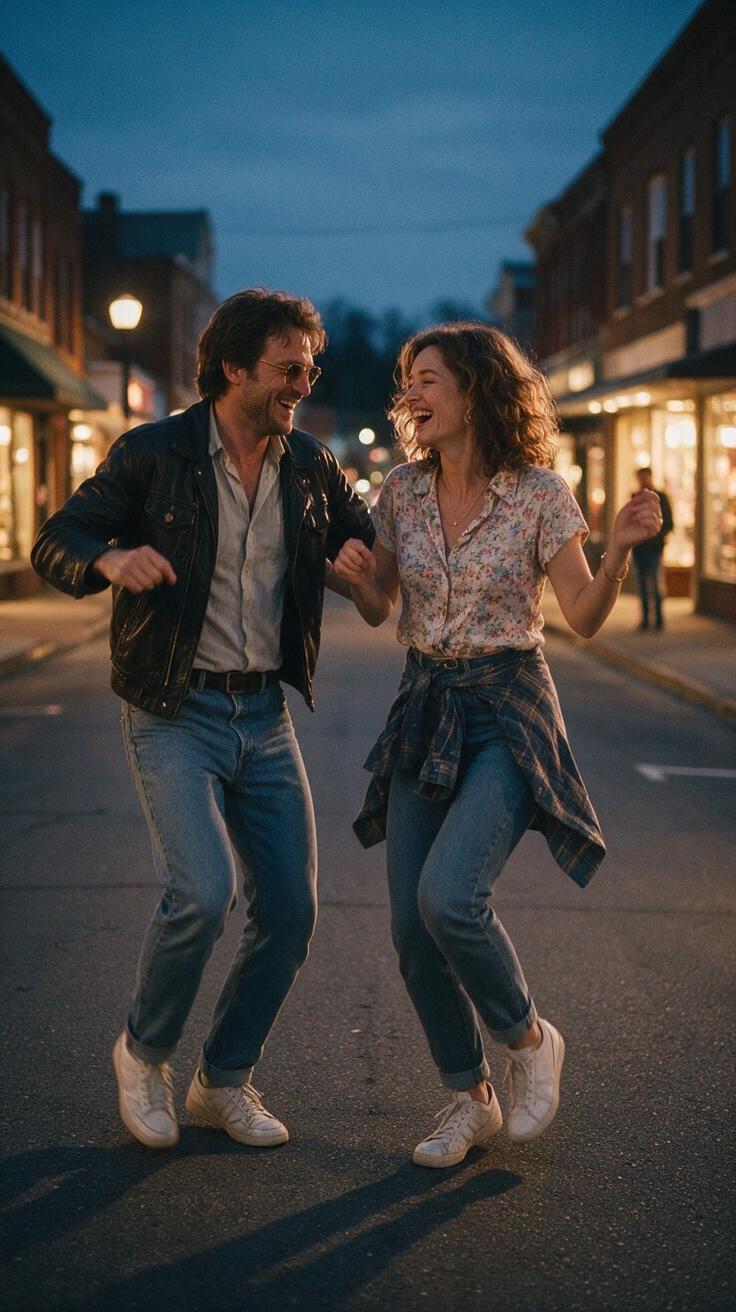
Best Photos for a Smalltown Boy AI Dance Video in 2026
Choose sharp, well-lit adult portraits for Smalltown Boy AI. Compare framing, file formats, and common mistakes before making an original dance video.
October 11, 2026 · Smalltown Boy AI editorial team
Try the workflow
Make your Smalltown Boy AI dance video
Pick a mood, add adult portraits, and make an original short dance. The example is a style guide; your result will vary.
JPG, PNG or WebP · up to 10 MB
Choose a clear, well-lit adult portrait with one person in each photo. Keep the face, hair and outfit visible.
Extra direction (optional)
A public result may be selected for the gallery after review. Uploaded photos stay private.
Create now or earn one video
No credits on registration. Other visitors can unlock one default video after signing in and opening the site on three consecutive UTC days. ChatGPT first-touch visitors can purchase immediately.
$9.90/ 1 video
50 credits · 8 secondsAdd one photo for each performer.
One-time packs and optional subscriptions. Failed generation returns its credits.
Your videos
Choose a mood above. Your completed videos will appear here.
Creating the best photos for a Smalltown Boy AI dance video involves careful attention to lighting, framing, adult faces, and simple photo repair before upload. This guide will help you optimize your images for the Smalltown Boy AI tool, an independent creative platform at https://smalltownboyai.pro that transforms one or two photos of consenting adults into an original 8-second vertical silent MP4 dance video.
Understanding the Smalltown Boy AI Photo Requirements
Smalltown Boy AI uses Kie standard Bytedance Seedance 2.0 technology to generate dance videos from photos. It accepts JPG, PNG, and WebP images up to 10MB each. The output is an 8-second, 9:16 vertical video at 720p resolution, silent and watermark-free for Standard videos. However, the AI cannot guarantee perfect replication of faces, hands, or movements, so photo quality and suitability significantly affect the final result.
Key Photo Considerations
- Lighting: Even, natural lighting works best. Avoid harsh shadows or overexposure.
- Framing: Center the adult face(s) with enough space around the head and shoulders.
- Adult Faces: Only upload photos of consenting adults. Clear, unobstructed facial features improve AI recognition.
- Simple Photo Repair: Basic touch-ups like cropping, straightening, and minor blemish removal enhance results.
Hypothetical Worked Example: Preparing Photos for Smalltown Boy AI
Suppose you want to create a Smalltown Boy AI dance video featuring yourself. Here’s a step-by-step example of how to prepare your photos:
- Select Photos: Choose one or two recent photos where your face is clearly visible and well-lit.
- Check Lighting: Ensure the photos have soft, natural light. If indoors, use a window light source or diffuse artificial light.
- Crop and Frame: Use a photo editor to crop the image vertically, focusing on your head and shoulders. Leave some space above the head for movement.
- Repair Minor Issues: Remove small blemishes or stray hairs using basic retouch tools. Avoid heavy filters or distortions.
- Save in Accepted Format: Export the photos as JPG or PNG, keeping file size under 10MB.
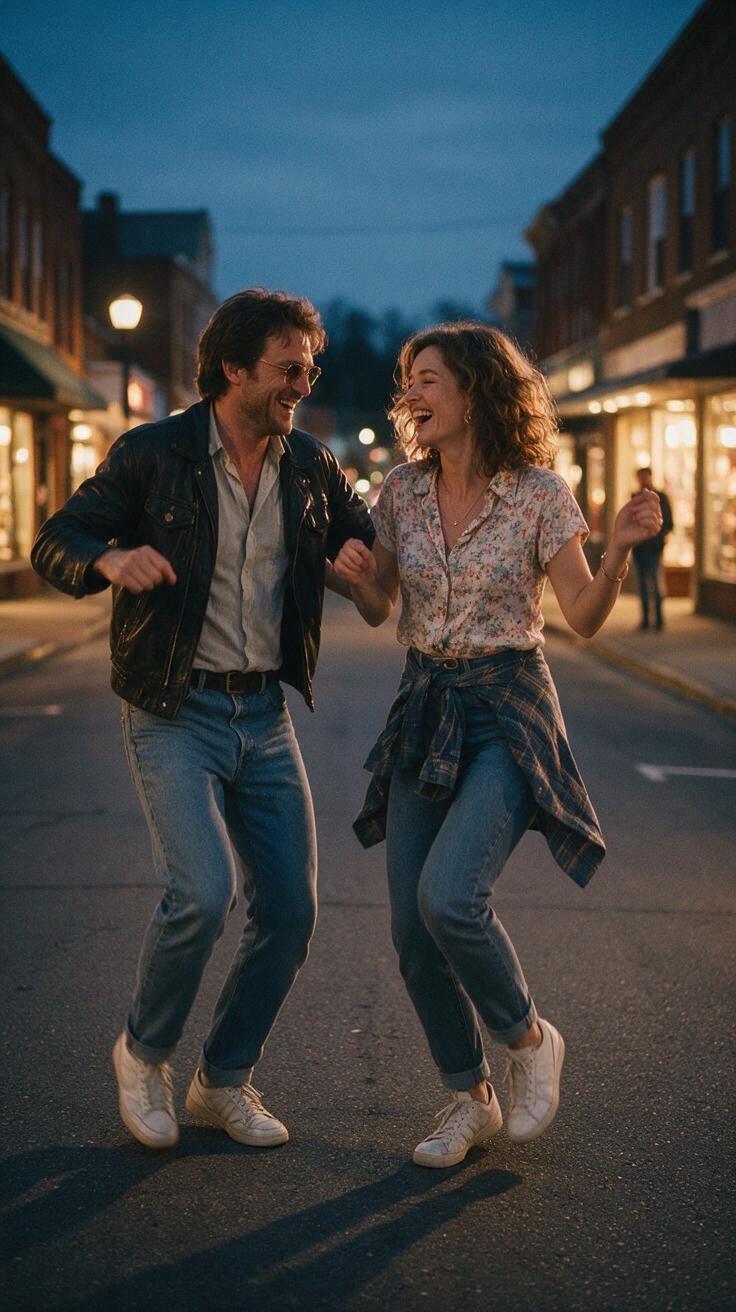
- Watch the public sample: Check the pre-made clip for the scene style. It is not a preview of your own photos.
- Upload to Smalltown Boy AI: Register or sign in at https://smalltownboyai.pro and upload your photos.
- Use credits before generation: A personal Standard video costs 50 credits. Earn the day-three reward if eligible or buy credits for immediate access.
Comparison Table: Photo Preparation Impact on Final Video Quality
| Aspect | Poor Photo Example | Optimized Photo Example |
|---|---|---|
| Lighting | Harsh shadows, uneven exposure | Soft, even natural lighting |
| Framing | Face partially cut off, tight crop | Centered face with head and shoulders visible |
| Facial Clarity | Blurry or obstructed face | Sharp, unobstructed adult face |
| Photo Repair | No retouching, visible blemishes | Minor blemishes removed, straightened image |
| File Format & Size | Large TIFF or unsupported format | JPG/PNG under 10MB |
| AI Video Outcome | Distorted face, unnatural movements | Clear face, smooth dance animation |
Step-by-Step Procedure for Best Results
- Choose Suitable Photos: Select clear, frontal shots of consenting adults.
- Ensure Proper Lighting: Use daylight or diffused lighting to avoid shadows.
- Frame Correctly: Crop vertically with enough space around the face.
- Perform Simple Repairs: Use photo editing tools for minor corrections.
- Save in Compatible Format: JPG, PNG, or WebP under 10MB.
- Upload and Generate: Use the Smalltown Boy AI platform.
- Use credits and generate: Confirm the 50-credit cost before the personal generation starts.
- Review the result: Download the completed video without a watermark. A creative variation is possible; technical failures return the consumed credits.
- Add Licensed Audio (Optional): Use external editors to add your own music.
Limits and Consent
- Consent: Only upload photos of consenting adults. Unauthorized use of images violates ethical and legal standards.
- Copyright: Smalltown Boy AI is unaffiliated with Bronski Beat and does not provide music rights or the original song.
- Technical Limits: The AI cannot guarantee exact facial or hand movements. Results vary based on photo quality.
- File Restrictions: Maximum 10MB per photo; only JPG, PNG, and WebP accepted.
- Credit System: Free credits are limited; paid options provide immediate use and do not expire.
- No Custom Videos or Audio: The tool only accepts photos; audio must be added separately after download.
Frequently Asked Questions
What lighting conditions work best for Smalltown Boy AI photos?
Soft, natural daylight is ideal. Avoid direct sunlight or harsh artificial lighting that creates shadows or overexposure. Even lighting helps the AI accurately detect facial features and produce smoother animations.
Can I upload photos of minors or non-consenting individuals?
No. The platform strictly requires photos of consenting adults only. Uploading images without permission is unethical and may violate terms of service and legal regulations.
How do I fix common photo issues before uploading?
Use simple photo editors to crop vertically, straighten the image, and remove minor blemishes or stray hairs. Avoid heavy filters or alterations that distort facial features, as these can confuse the AI.
What file formats and sizes are accepted?
Smalltown Boy AI accepts JPG, PNG, and WebP images up to 10MB each. Larger files or unsupported formats will be rejected.
How do credits and pricing work on Smalltown Boy AI?
New users registering or signing in start with zero credits. Users who sign in on three consecutive UTC days receive 50 free credits on day 3. Paid credit packs and subscriptions are available with varying video counts and credit amounts. Credits do not expire for one-time purchases but monthly subscription credits expire monthly.
Conclusion and Call to Action
Optimizing your photos for Smalltown Boy AI dance videos requires attention to lighting, framing, adult faces, and simple photo repair. By following the steps outlined in this guide, you can improve the quality of your AI-generated dance clips and enjoy creative results from this independent tool.
Ready to create your own Smalltown Boy AI dance video? Visit Smalltown Boy AI to register and start uploading your photos today. For more detailed photo tips, check out our Smalltown Boy AI Photo Guide. To understand music rights and adding audio, see Smalltown Boy AI Music Rights. If you encounter issues, our Smalltown Boy AI Troubleshooting article can help.
By preparing your photos carefully, you maximize the potential of the Smalltown Boy AI tool and create engaging, original dance videos with ease.