One photo
Updated · October 20, 2026
Photo to Dance Video
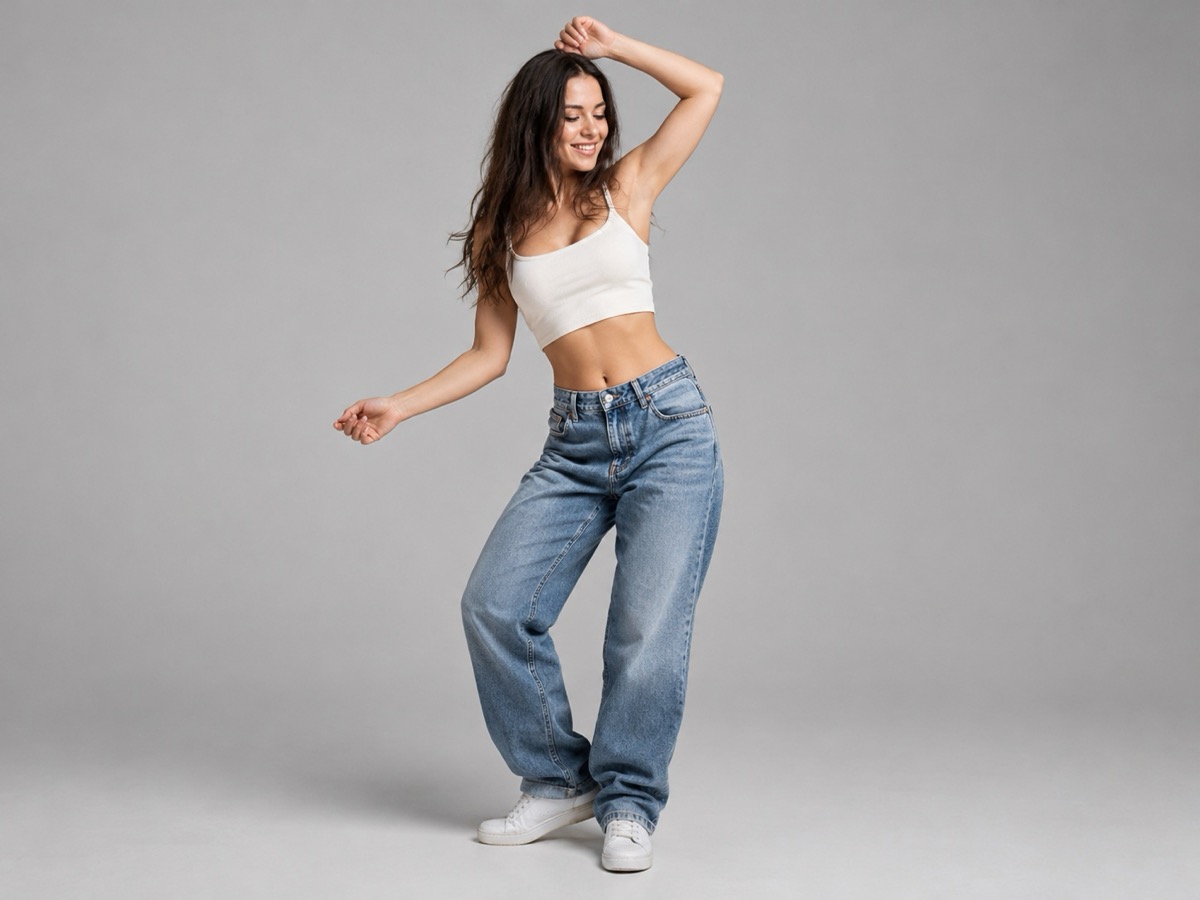
A single still can become a short dance loop if the photo gives the model enough information. This page focuses on the one-photo workflow: what to upload, which motions survive the animation, and where the result will look artificial. It is the same generation pipeline as the main tool, with a clean studio preset that keeps attention on the person.
- Best with a full-body or three-quarter photo.
- Even light and a simple background reduce artifacts.
- Eight-second silent MP4 in a vertical frame.
- Consent is required; only upload adults with permission.
Create your dance video
The studio preset uses neutral light and a simple backdrop so the person stays the focus.
Your Smalltown Boy AI dance studio
Choose a retro stage, solo, or birthday scene. Upload one or two adult portraits. Each sample shows that scene; your result will vary.
JPG, PNG or WebP · up to 10 MB
Choose a clear, well-lit adult portrait with one person in each photo. Keep the face, hair and outfit visible.
Extra direction (optional)
A public result may be selected for the gallery after review. Uploaded photos stay private.
$9.90/ 1 video
50 credits · 8 secondsOne-time packs and optional subscriptions. Failed generation returns its credits.
Your videos
Choose a mood above. Your completed videos will appear here.
How it works
- 1Upload one adult photo for a solo clip, or two for a duet. JPG, PNG and WebP up to 10 MB each.
- 2Keep the scene preset or add your own direction, then confirm you have permission from everyone shown.
- 3Sign in and generate an 8-second, 720p vertical MP4. Failed jobs return the reserved credits.
Which photo gives the cleanest motion
Choose a photo where the person is the largest subject, the face is visible, and the arms are not tightly crossed or hidden behind someone else. A full-body shot gives the model room for footwork; a waist-up shot usually produces a calmer upper-body groove. Avoid heavy filters, extreme wide-angle distortion and photos where the person is tiny in the frame. If the person is wearing a busy pattern, expect the fabric to shimmer slightly between frames.
What motion looks realistic in eight seconds
Short, readable movement works best: a slow shoulder roll, a side step, a small turn, a nod on the final beat. Fast spins and complex partner lifts need more frames than an eight-second clip provides, so they tend to blur or bend. Start with one clear motion and one camera direction. If the first result is stiff, change the direction rather than adding more instructions; a single sentence is easier for the model to follow than a paragraph.
Consent, privacy and the limits of a likeness
Only upload a photo of yourself or an adult who has explicitly agreed to appear in an AI-generated clip. Do not upload photos of minors, public figures or anyone who has not consented. The output is a synthetic performance, so label it as AI-generated when you publish it. Results are not a guaranteed likeness, and the service may reject inputs that fail moderation. Private visibility is available for purchased accounts; public clips can appear in the site gallery.
What this tool does not do
- It does not add music. The MP4 is silent; you add licensed audio in your own editor.
- It does not guarantee an exact likeness. Faces, hands and small details can change.
- It does not accept minors, public figures or anyone who has not consented.
- It does not reproduce a named celebrity, film character or copyrighted routine.
Price at a glance
- 1 video — $9.90
- 3 videos — $19.90
- 5 videos — $29.90
- Monthly, 10 videos — $39.90
- Yearly, 40 videos — $129.90
Prices in USD. One finished video uses 50 credits. Failed jobs return the reserved credits.
Questions people ask
Can I animate a photo of myself?
Yes. Upload a clear photo of yourself as a consenting adult. You confirm permission before generating, and you should still label the result as AI-generated when you post it.
What photo format and size should I use?
JPG, PNG or WebP up to 10 MB. A sharp, evenly lit photo with the person filling a good part of the frame works better than a compressed screenshot.
Why does the face change slightly?
Video models reconstruct frames rather than copying pixels. Small changes in the face, hands and fabric are normal. A higher-quality source photo and a simple motion reduce the drift.
Can I animate a group photo?
No. The tool accepts one or two people. For a group, generate separate clips or a duet, then combine them in an editor.
Is the output silent?
Yes. The MP4 has no audio. Add music you have the right to use, or a voiceover, in a separate editor.
How much does one photo-to-dance clip cost?
One finished video uses 50 credits. The entry pack is $9.90. There are no free personal generations, and failed jobs return the reserved credits.