Slow shoulder groove
Keep the full body visible and dance with slow, relaxed shoulder rolls, a gentle side step and one small nod to the camera.
Appearance
Prompt library
Updated · October 20, 2026
A good dance prompt is short, physical and visible. It tells the model what the body should do and how the camera should frame it. It does not name a celebrity, a copyrighted routine or a song. This page collects copy-ready prompts you can paste into the direction field, plus the mistakes that make a clip stiff or chaotic.
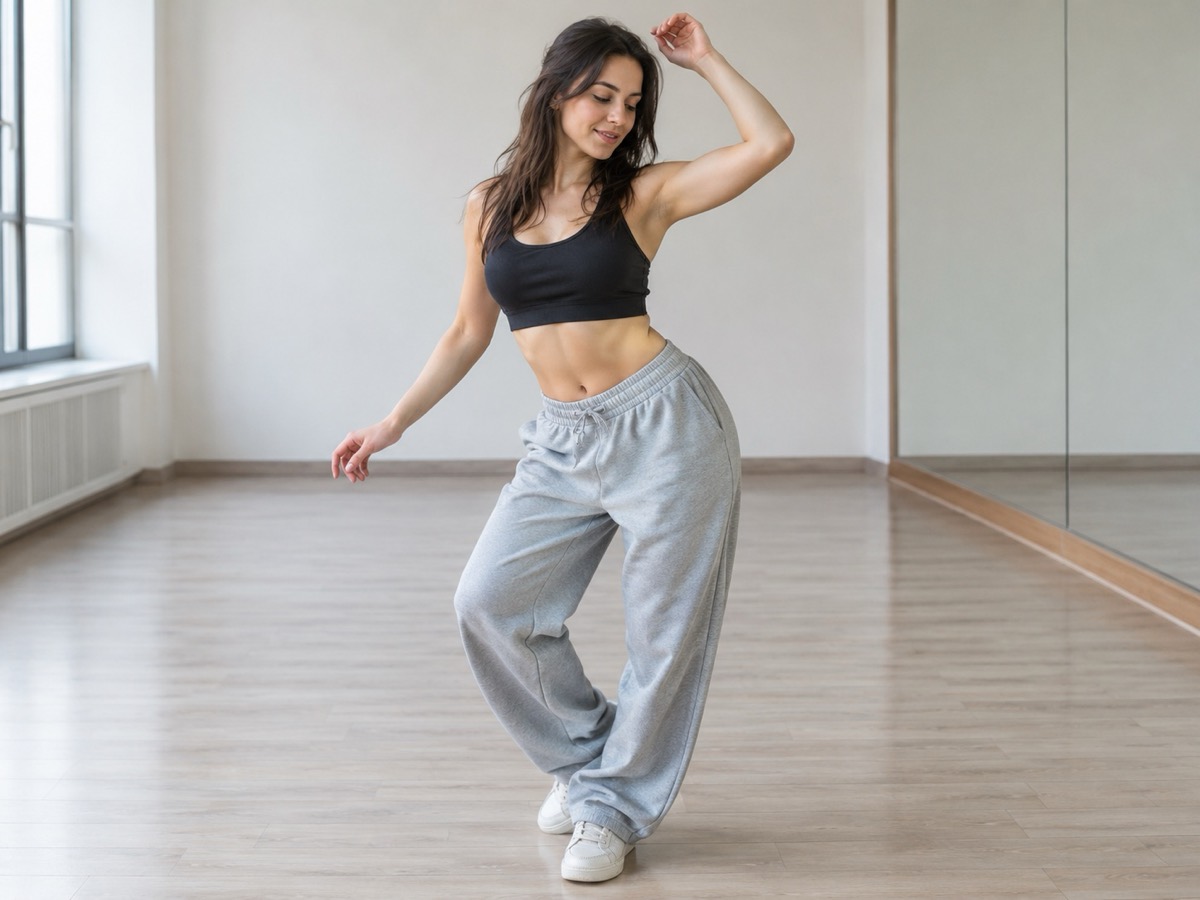
The prompt page uses a clean studio preset so differences between prompts are easier to compare.
Choose a retro stage, solo, or birthday scene. Upload one or two adult portraits. Each sample shows that scene; your result will vary.
JPG, PNG or WebP · up to 10 MB
Choose a clear, well-lit adult portrait with one person in each photo. Keep the face, hair and outfit visible.
A public result may be selected for the gallery after review. Uploaded photos stay private.
$9.90/ 1 video
50 credits · 8 secondsOne-time packs and optional subscriptions. Failed generation returns its credits.
Choose a mood above. Your completed videos will appear here.
Use three parts: the body action, the camera framing, and the mood. “Slow shoulder rolls, full body visible, relaxed and confident” is easier to follow than ten sentences about lighting and costume. The scene preset already controls the room, so spend your prompt on movement. If you want a specific beat, describe it in counts — “a four-count arm sequence” — rather than naming a song. Keep it under two sentences for the most predictable result.
The most common mistake is asking for too much at once: a spin, a lift, a costume change and a camera move in eight seconds. The model compromises, and the body bends. The second mistake is naming a real person or a film scene; that invites moderation and produces a worse likeness. The third is describing audio. The output is silent, so a prompt about music cannot change the file.
Copy a prompt from the library below, open the generator, choose a scene and paste it into the direction field. Upload one or two adult photos, confirm consent and generate. If the result is stiff, simplify the prompt rather than adding more detail. If the framing is wrong, say “full body visible” and “centered” explicitly. Iterate one variable at a time so you can tell what changed.
Short motion instructions you can paste into the direction field. They describe movement and framing, not a celebrity, costume or copyrighted choreography.
Keep the full body visible and dance with slow, relaxed shoulder rolls, a gentle side step and one small nod to the camera.
Use a steady side-to-side step with loose arms, a small hip sway and a confident glance at the camera on the last beat.
Dance with a light bounce, open arms and a playful celebration gesture, keeping both people in frame the whole time.
Move in a calm partner sway while facing each other, then turn toward the camera for a warm shared smile.
Dance with a loose, theatrical shoulder shimmy and a slow turn, keeping the movement friendly rather than scary.
Start close to the camera, take one step back, then land a clean four-count arm sequence with an energetic finish.
Prices in USD. One finished video uses 50 credits. Failed jobs return the reserved credits.
No. The generated MP4 is silent. Prompts affect movement and framing only; add licensed audio in your editor.
Do not. It can be rejected by moderation and it produces a worse result. Describe the movement instead: “a slow turn, then a shoulder shimmy.”
One or two sentences, under 500 characters. The direction field is intentionally short so the main scene prompt stays in control.
Video generation is probabilistic and depends on the photos, the scene and provider load. Small differences between runs are normal.
You can use the text, but you are responsible for the photos, the people shown and how you publish the result. Do not imply celebrity endorsement.
Open any generator page, find the direction field under the scene selector, and paste the prompt before generating.