Celebrations
Updated · October 20, 2026
Birthday Dance Video Generator
A birthday post is more fun when the person is moving. This page uses a warm party set with streamers and soft light, then animates an eight-second dance from one or two adult photos. It is a short celebration clip for a message, a story or a group chat — not a replacement for a video of the actual party.
- Warm party stage with streamers and soft light.
- One photo for a solo, two for a duet.
- Eight-second vertical MP4, no audio.
- Generate before the day so you can retry.
Create your dance video
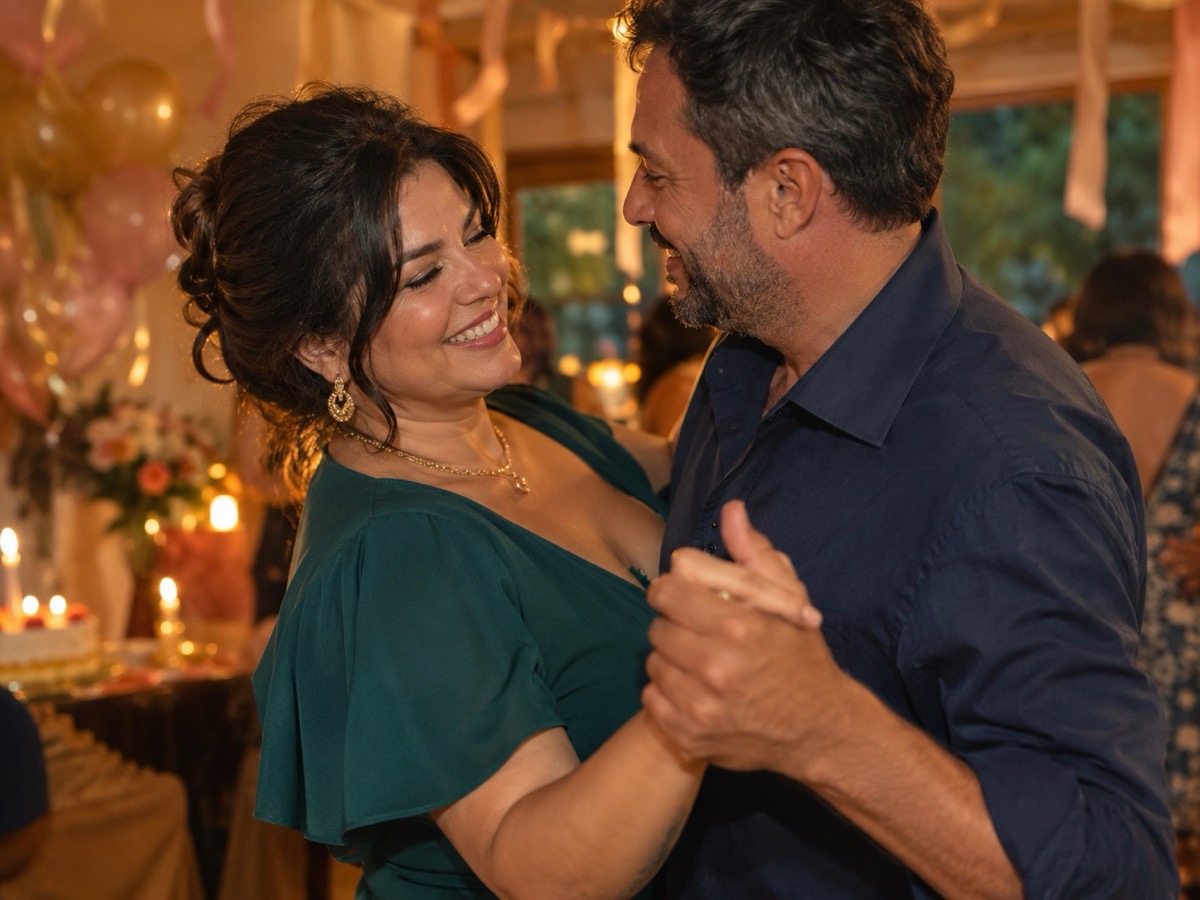
The birthday preset adds warm streamers and a celebratory glow around the dancers.
Your Smalltown Boy AI dance studio
Choose a retro stage, solo, or birthday scene. Upload one or two adult portraits. Each sample shows that scene; your result will vary.
JPG, PNG or WebP · up to 10 MB
Choose a clear, well-lit adult portrait with one person in each photo. Keep the face, hair and outfit visible.
Extra direction (optional)
A public result may be selected for the gallery after review. Uploaded photos stay private.
$9.90/ 1 video
50 credits · 8 secondsOne-time packs and optional subscriptions. Failed generation returns its credits.
Your videos
Choose a mood above. Your completed videos will appear here.
How it works
- 1Upload one adult photo for a solo clip, or two for a duet. JPG, PNG and WebP up to 10 MB each.
- 2Keep the scene preset or add your own direction, then confirm you have permission from everyone shown.
- 3Sign in and generate an 8-second, 720p vertical MP4. Failed jobs return the reserved credits.
A party clip without a real party
The scene is synthetic, so keep the caption honest. “A little AI birthday dance” is clearer than a caption that implies the clip was filmed at a venue. The preset gives you streamers and a warm glow, but it does not know the person's age, name or cake. Add a name and a year as text in your editor, where the typography stays sharp. Do not ask the model to render a readable banner; generated text is usually garbled.
Photo and motion ideas
A full-body photo gives the model room for a bounce and a side step. A waist-up photo produces a calmer groove. For a duet, use two photos with similar light and framing. Good directions are short: “a light bounce, open arms, a playful wave,” or “a slow spin, then a nod to the camera.” Avoid a complex group routine; the tool accepts at most two people, and a crowded frame makes faces harder to preserve.
Timing and sharing
Generate a few days before the birthday so a stiff result does not become urgent. The output is silent; add a licensed track or a voice message in your editor. If the clip is a surprise, check who can see the post before publishing. Label it as AI-generated, especially if it looks like a real party. For a child's birthday, do not upload the child; use adult photos only.
What this tool does not do
- It does not add music. The MP4 is silent; you add licensed audio in your own editor.
- It does not guarantee an exact likeness. Faces, hands and small details can change.
- It does not accept minors, public figures or anyone who has not consented.
- It does not reproduce a named celebrity, film character or copyrighted routine.
Price at a glance
- 1 video — $9.90
- 3 videos — $19.90
- 5 videos — $29.90
- Monthly, 10 videos — $39.90
- Yearly, 40 videos — $129.90
Prices in USD. One finished video uses 50 credits. Failed jobs return the reserved credits.
Questions people ask
Can I make a birthday clip for a child?
No. The service is for consenting adults only. Do not upload photos of minors. You can make a clip of the adults and add a text greeting instead.
Can I add a name and age?
Add text in your editor after export. Generated lettering is often distorted, so the preset does not try to render a banner.
Can I use one photo?
Yes. One photo creates a solo clip. Two photos create a duet, which needs permission from both adults.
Does it include birthday music?
No. The MP4 is silent. Add a licensed track in your editor.
How early should I order?
A few days before the event. Generation is asynchronous and a retry may be needed.
What does it cost?
Fifty credits per finished video, with a $9.90 entry pack. Failed jobs return the reserved credits.