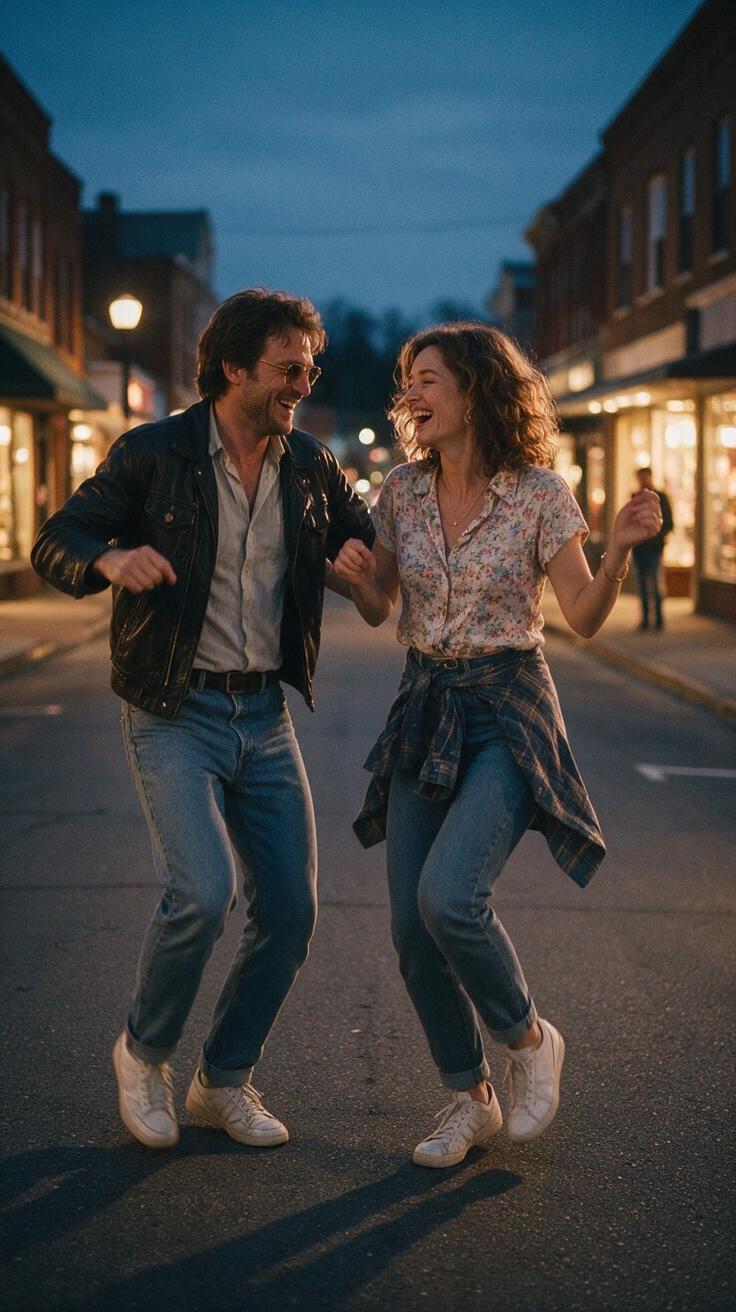
Best Smalltown Boy AI Dance Prompts for Original Clips
Write clear Smalltown Boy AI motion prompts for an original dance clip. Use practical examples, set realistic limits, and learn when to revise photos.
October 11, 2026 · Smalltown Boy AI editorial team
Try the workflow
Make your Smalltown Boy AI dance video
Pick a mood, add adult portraits, and make an original short dance. The example is a style guide; your result will vary.
JPG, PNG or WebP · up to 10 MB
Choose a clear, well-lit adult portrait with one person in each photo. Keep the face, hair and outfit visible.
Extra direction (optional)
A public result may be selected for the gallery after review. Uploaded photos stay private.
Create now or earn one video
No credits on registration. Other visitors can unlock one default video after signing in and opening the site on three consecutive UTC days. ChatGPT first-touch visitors can purchase immediately.
$9.90/ 1 video
50 credits · 8 secondsAdd one photo for each performer.
One-time packs and optional subscriptions. Failed generation returns its credits.
Your videos
Choose a mood above. Your completed videos will appear here.
Creating original AI-generated dance clips with Smalltown Boy AI involves more than just uploading photos; it requires thoughtful prompt crafting to guide the AI’s choreography within the tool’s technical and creative limits. This article serves as a practical guide to the best Smalltown Boy AI dance prompts for original clips, focusing on choreography directions, prompt refinement, and understanding the tool’s constraints.
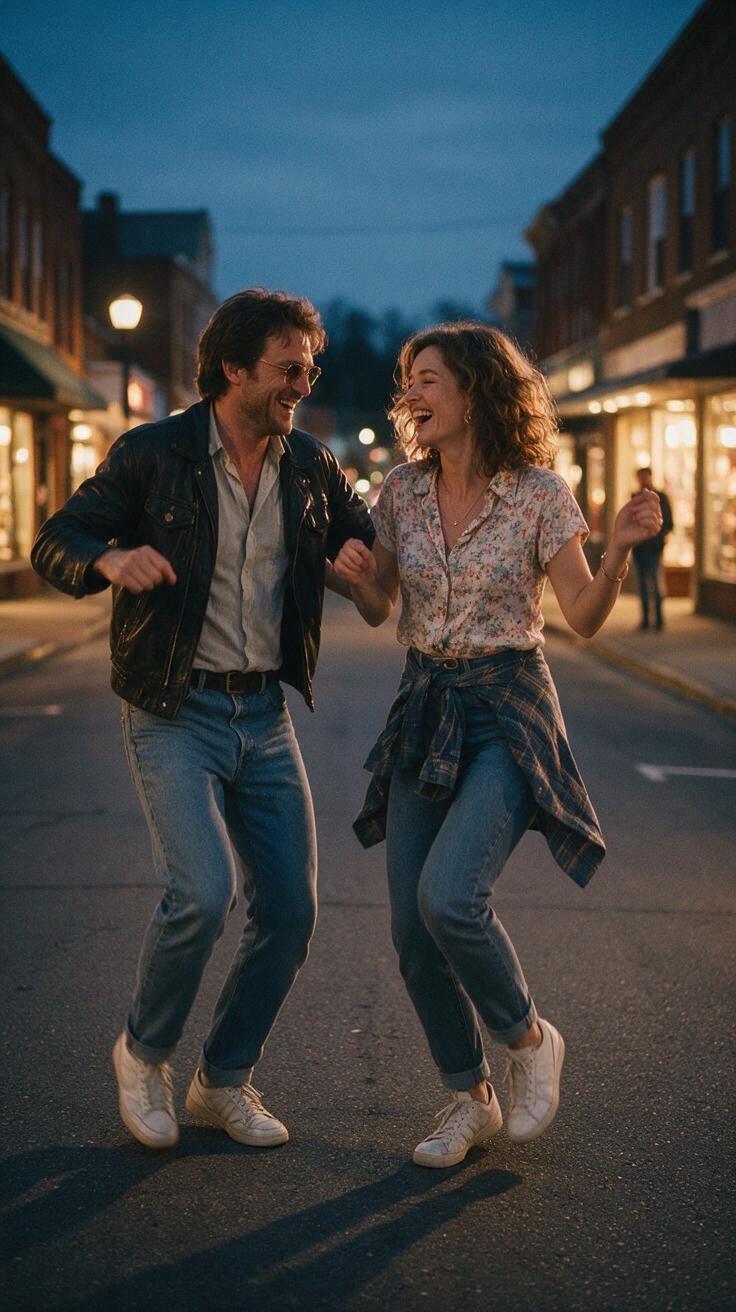
Understanding Smalltown Boy AI’s Dance Clip Generation
Smalltown Boy AI (https://smalltownboyai.pro) is an independent creative platform that transforms one or two photos of consenting adults into an original 8-second vertical silent MP4 video (720p, 9:16 aspect ratio). The AI uses Kie standard Bytedance Seedance 2.0 technology to generate dance movements based on the input images and user prompts.
Key facts to keep in mind:
- Input: JPG, PNG, or WebP photos up to 10MB each.
- Output: 8-second silent dance clip, 720p vertical video.
- Credits: One watermark-free Standard video costs 50 credits.
- Registration: New users start with zero credits; credits can be earned or purchased.
- Limitations: The AI cannot guarantee exact facial features, hand positions, or precise movements.
- Audio: No built-in music or voice; users must add licensed audio externally.
- Consent: Only upload photos you have permission to use.
Best Smalltown Boy AI Dance Prompts: Practical Choreography Directions
The AI interprets text prompts to influence the style, mood, and complexity of the dance choreography. To get the most original and visually appealing clips, prompts should be:
- Specific but concise: Avoid vague terms; focus on clear dance styles or movement qualities.
- Descriptive of movement: Use terms like “fluid arm waves,” “energetic foot taps,” or “smooth hip sways.”
- Contextual: Include setting or mood to guide the AI’s expression, e.g., “urban street dance vibe” or “retro disco groove.”
- Balanced: Avoid overly complex or contradictory instructions that confuse the AI.
Example Prompt Elements for Originality
- Dance style: “contemporary,” “hip-hop,” “jazz funk,” “robotic.”
- Movement quality: “sharp,” “graceful,” “bouncy,” “slow-motion.”
- Body focus: “emphasize arm movements,” “footwork-intensive,” “head isolations.”
- Emotional tone: “joyful,” “reflective,” “playful,” “intense.”
Hypothetical Worked Example: Creating an Original Smalltown Boy AI Dance Clip
Suppose you want to generate a clip featuring a single adult with a dynamic, playful dance style emphasizing arm and foot movements.
Step 1: Prepare Your Photo(s)
- Choose a clear, well-lit JPG or PNG photo of the consenting adult.
- Ensure the photo is under 10MB and shows the subject’s full upper body or more.
Step 2: Register and Obtain Credits
- Register or sign in at Smalltown Boy AI.
- If you have not earned free credits by opening the site on three consecutive days, purchase credits (e.g., $9.90 for one video).
Step 3: Write Your Prompt
Example prompt:
“Playful urban dance with energetic foot taps and fluid arm waves, emphasizing joyful expression and smooth transitions.”
Step 4: Upload Photo and Enter Prompt
- Upload the photo.
- Paste the prompt into the input field.
- Select Standard video output (50 credits).
Step 5: Generate and Review
- Submit the job.
- Review the generated clip for movement quality and resemblance.
- If the clip is unsatisfactory, revise the prompt to be more specific or adjust movement focus.
Step 6: Download and Add Audio
- Download the watermark-free clip.
- Use an external editor to add your own licensed music or sound.
Comparison Table: Prompt Variations and Resulting Clip Outcomes
| Prompt Description | Movement Style | Body Focus | Emotional Tone | Result Quality (Subjective) | Notes |
|---|---|---|---|---|---|
| “Sharp robotic movements with isolated head nods” | Robotic, precise | Head and arms | Intense | Moderate | AI struggles with hand precision |
| “Smooth contemporary dance with flowing arm waves” | Fluid, graceful | Arms and torso | Reflective | High | Good fluidity, slight face distortion |
| “Energetic hip-hop with fast foot taps and jumps” | Fast, bouncy | Feet and legs | Playful | Variable | Jumps sometimes look unnatural |
| “Slow-motion jazz funk emphasizing hip sways” | Slow, rhythmic | Hips and torso | Cool, relaxed | Good | Movement smooth but less dynamic |
Step-by-Step Procedure for Crafting Effective AI Dance Prompts
- Select clear, high-quality photos of consenting adults.
- Identify the desired dance style and mood you want the clip to convey.
- Draft a concise prompt focusing on movement style, body parts, and emotional tone.
- Upload photos and enter the prompt on Smalltown Boy AI.
- Generate the clip and review the output carefully.
- Refine the prompt by adding or removing movement descriptors based on results.
- Repeat generation until satisfied or credits are exhausted.
- Download the final clip and add licensed audio externally.
- Respect copyright and consent for all content used.
Important Limits and Consent Considerations
- AI Limitations: The Smalltown Boy AI cannot guarantee exact facial likeness, hand articulation, or perfect choreography. Results may vary, and some movements may appear unnatural.
- Consent: Always upload photos of consenting adults. Unauthorized use of images is prohibited and unethical.
- Copyright: Smalltown Boy AI does not provide music, singer voices, or any copyrighted material related to the original “Smalltown Boy” song by Bronski Beat.
- Credits and Refunds: Failed technical generations refund credits, but no guaranteed processing times or success rates are promised.
- Audio: Users must add their own licensed audio after clip download using external editing software.
Frequently Asked Questions
How do I write the best prompt for Smalltown Boy AI dance clips?
Focus on clear, descriptive language that specifies dance style, movement quality, body parts emphasized, and emotional tone. Avoid vague or contradictory instructions. For example, “fluid contemporary dance with graceful arm waves and joyful expression” works better than “dance fast and slow at the same time.”
Can I use multiple photos for one clip?
Yes, Smalltown Boy AI allows up to two photos of consenting adults per clip. This can help create duet or partner dance clips, but keep in mind the AI’s limitations in synchronizing movements and facial accuracy.
What should I do if the generated dance clip looks unnatural?
Try refining your prompt to simplify movements or focus on fewer body parts. Avoid overly complex choreography requests. If issues persist, consider using a different photo or purchasing additional credits to experiment.
How do credits and pricing work on Smalltown Boy AI?
One Standard video costs 50 credits. New users start with zero credits and can earn free credits by visiting the site on three consecutive UTC days. Paid credits come in one-time packs or subscription plans. Credits do not expire, but monthly subscription credits refresh and expire monthly. See the pricing page for details.
Can I add music or voice to the AI-generated clips?
Smalltown Boy AI currently does not support custom audio uploads. You must add your own licensed audio after downloading the silent clip using video editing software. For guidance on music rights, see our Smalltown Boy AI music rights guide.
Conclusion and Next Steps
Crafting the best Smalltown Boy AI dance prompts requires a balance of creativity and practical understanding of the tool’s capabilities and limits. By focusing on clear choreography directions—dance style, movement quality, body focus, and emotional tone—you can generate original, visually engaging clips.
For more detailed photo preparation tips, visit our Smalltown Boy AI photo guide. If you encounter issues, our troubleshooting guide offers practical solutions.
Ready to create your own AI dance clip? Head over to Smalltown Boy AI, register, and start experimenting with your original choreography prompts today.
This article is an independent guide and is not affiliated with Bronski Beat or any copyrighted material related to the song “Smalltown Boy.”