Smalltown Boy AI Privacy and Photo Consent: 2026 Guide
Get permission before uploading adult photos to Smalltown Boy AI. Learn how private inputs, deletion, and public sharing work so you can create responsibly.
October 11, 2026 · Smalltown Boy AI editorial team
Try the workflow
Make your Smalltown Boy AI dance video
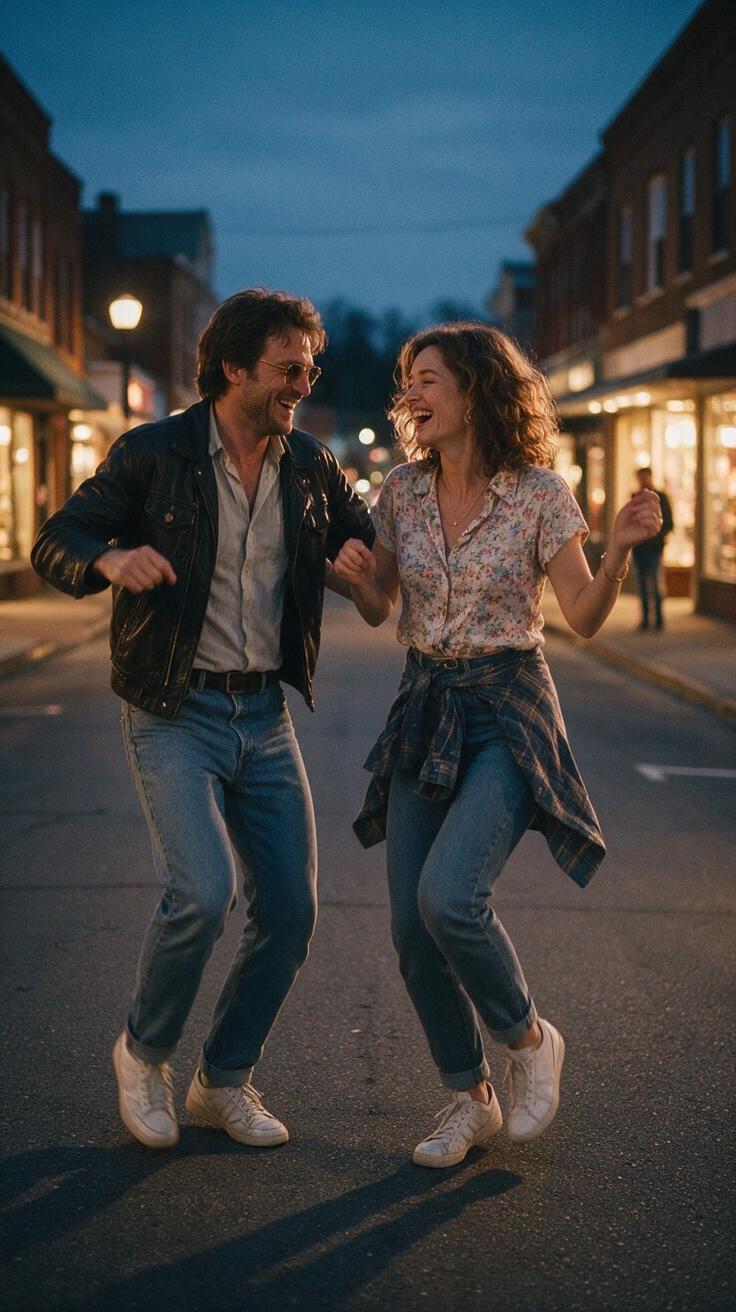
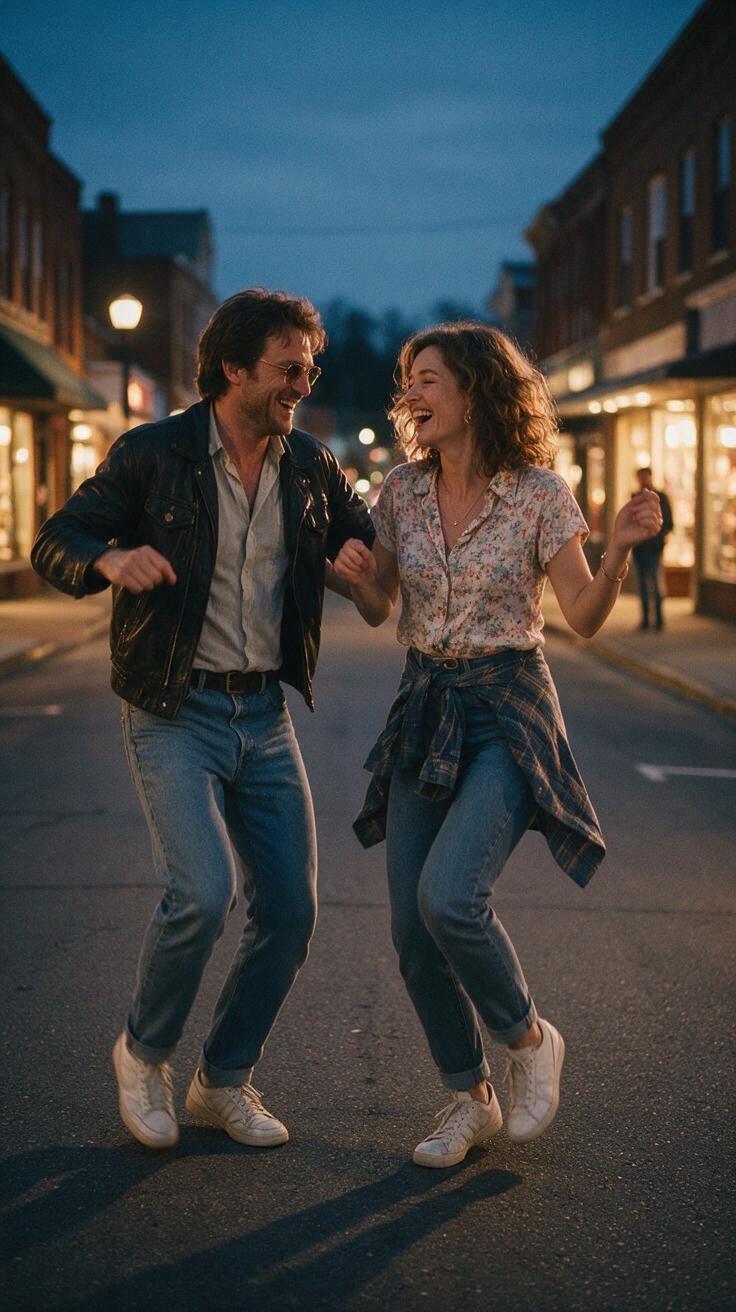
Pick a mood, add adult portraits, and make an original short dance. The example is a style guide; your result will vary.
JPG, PNG or WebP · up to 10 MB
Choose a clear, well-lit adult portrait with one person in each photo. Keep the face, hair and outfit visible.
Extra direction (optional)
A public result may be selected for the gallery after review. Uploaded photos stay private.
Create now or earn one video
No credits on registration. Other visitors can unlock one default video after signing in and opening the site on three consecutive UTC days. ChatGPT first-touch visitors can purchase immediately.
$9.90/ 1 video
50 credits · 8 secondsAdd one photo for each performer.
One-time packs and optional subscriptions. Failed generation returns its credits.
Your videos
Choose a mood above. Your completed videos will appear here.
When using Smalltown Boy AI, understanding privacy and photo consent is essential to ensure ethical and legal use of the platform. This guide addresses how to obtain permission from adults whose photos you upload, how to handle private inputs responsibly, the process for deleting content, and best practices for safe sharing of AI-generated videos.
Smalltown Boy AI is an independent creative tool available at smalltownboyai.pro. It is unaffiliated with Bronski Beat and does not provide any copyrighted song, singer voice, or music rights. The tool uses the Kie standard Bytedance Seedance 2.0 AI model to transform one or two photos of consenting adults into an original 8-second vertical 9:16 720p silent MP4 video. Accepted input formats are JPG, PNG, and WebP, with a maximum file size of 10MB each. Because the AI generates new content, results vary and cannot guarantee exact replication of faces, hands, or movements.
This article focuses on the practical steps and considerations for obtaining consent, managing private inputs, deleting generated content, and sharing videos safely.
Hypothetical Worked Example: Obtaining Consent and Creating a Video
Imagine you want to create a Smalltown Boy AI video featuring photos of your friend Alex. Here is a step-by-step procedure to ensure proper consent and privacy:
-
Request Permission
Contact Alex and explain the purpose of using their photos on Smalltown Boy AI. Confirm that Alex is an adult and willing to have their photo used for AI generation. -
Confirm Photo Ownership or Rights
Ensure the photos you intend to upload are either taken by you or that Alex has granted you permission to use them. Do not use images sourced from the internet or social media without explicit consent. -
Prepare Photos
Select one or two high-quality JPG, PNG, or WebP photos, each under 10MB. Verify that the images clearly show Alex's face, as this improves AI output quality. -
Register and Sign In
Go to smalltownboyai.pro and create an account or sign in. Note that new users start with zero credits and must earn or purchase credits to generate videos. -
Upload Photos and Generate Video
Upload Alex’s photos and submit the request. The AI will process the inputs and produce an 8-second silent MP4 video. If the generation fails, credits are refunded automatically. -
Download and Review
Download the watermark-free video. Review it to ensure it meets your expectations and that Alex is comfortable with the result. -
Safe Sharing
Share the video only with Alex’s consent. Avoid posting publicly without permission, especially on social media or commercial platforms. -
Deletion
If Alex requests removal, delete the photos and generated videos from your devices and any cloud storage. Smalltown Boy AI does not store user inputs permanently, but verify your own backups.
Comparison Table: Input and Output Details
| Feature | Details |
|---|---|
| Input Photo Formats | JPG, PNG, WebP |
| Maximum Input Size | 10MB per photo |
| Number of Photos | 1 or 2 |
| AI Model | Kie standard Bytedance Seedance 2.0 |
| Output Format | 8-second silent MP4 video, vertical 9:16, 720p |
| Watermark | None on Standard videos |
| Credit Cost | 50 credits per video |
| Credit Acquisition | Free after 3 consecutive sign-in days or paid packs |
| Audio | Not included; users add licensed audio post-download |
| Processing Guarantee | None (refund on failure) |
Numbered Procedure for Responsible Use
-
Verify Age and Consent
Only upload photos of adults who have explicitly consented. -
Confirm Photo Rights
Use photos you own or have permission to use. -
Register and Understand Credits
Sign in and familiarize yourself with the credit system on pricing page. -
Upload Photos Securely
Avoid uploading sensitive or private images without consent. -
Generate Video
Use credits to create the AI video; monitor for any generation errors. -
Review and Obtain Final Consent
Show the final video to the person(s) depicted and confirm approval before sharing. -
Share Responsibly
Limit sharing to trusted parties or with explicit permission. -
Delete Upon Request
Remove all copies if requested by the subject.
Limits and Consent Considerations
-
Consent is Mandatory: Uploading photos without the subject’s permission violates privacy and ethical standards. Smalltown Boy AI requires users to upload only images they have rights to use.
-
Adult Subjects Only: The tool is designed for consenting adults. Avoid uploading images of minors.
-
No Audio or Video Inputs: The platform does not accept custom source videos or audio. Users must add any licensed audio separately after downloading the AI-generated video.
-
Credit System Transparency: Users should understand that generating videos consumes credits, which can be earned or purchased. Free credits are only available after meeting sign-in criteria (not for ChatGPT users).
-
No Guaranteed Processing Time: The AI generation time may vary; refunds are issued only if generation fails technically.
-
Safe Sharing: Sharing AI-generated videos publicly should only be done with the consent of all individuals depicted.
-
Deletion Responsibility: While Smalltown Boy AI does not permanently store inputs, users are responsible for deleting their own copies upon request.
FAQ
What types of photos can I upload to Smalltown Boy AI?
You can upload JPG, PNG, or WebP photos up to 10MB each. The images should be clear and show the consenting adult’s face to achieve the best AI-generated video results. Avoid using photos without permission or of minors.
How do I get credits to generate videos?
New users start with zero credits. If you sign in on three consecutive UTC calendar days (excluding ChatGPT users), you receive 50 free credits on the third day. Otherwise, credits can be purchased in one-time packs or subscription plans detailed on the pricing page. Credits do not expire for one-time purchases but do expire monthly for subscription plans.
Can I upload videos or add audio directly on Smalltown Boy AI?
No. The platform only accepts photos as inputs and produces silent 8-second MP4 videos. You may add your own licensed audio after downloading the video using external video editing software.
What happens if the AI fails to generate my video?
If there is a technical failure during video generation, the credits spent on that attempt are refunded automatically. However, there is no guaranteed processing time, so be patient if processing appears slow.
How can I ensure I am respecting privacy and consent when sharing videos?
Always obtain explicit consent from the individuals whose photos you used before sharing AI-generated videos publicly or commercially. If someone requests deletion, promptly remove all copies from your devices and storage. For further guidance, see the Smalltown Boy AI photo guide.
Conclusion and Call to Action
Using Smalltown Boy AI responsibly requires clear consent from adults whose photos you upload, careful management of private inputs, and respect for deletion requests and safe sharing practices. By following the steps and guidelines outlined in this article, you can enjoy the creative possibilities of the platform while upholding privacy and ethical standards.
To get started, visit smalltownboyai.pro, register, and explore the credit options on the pricing page. For more detailed advice on photo usage, visit our photo guide, and if you have questions about music rights or troubleshooting, check out our music rights and troubleshooting articles.
Respect privacy, obtain consent, and create responsibly with Smalltown Boy AI.